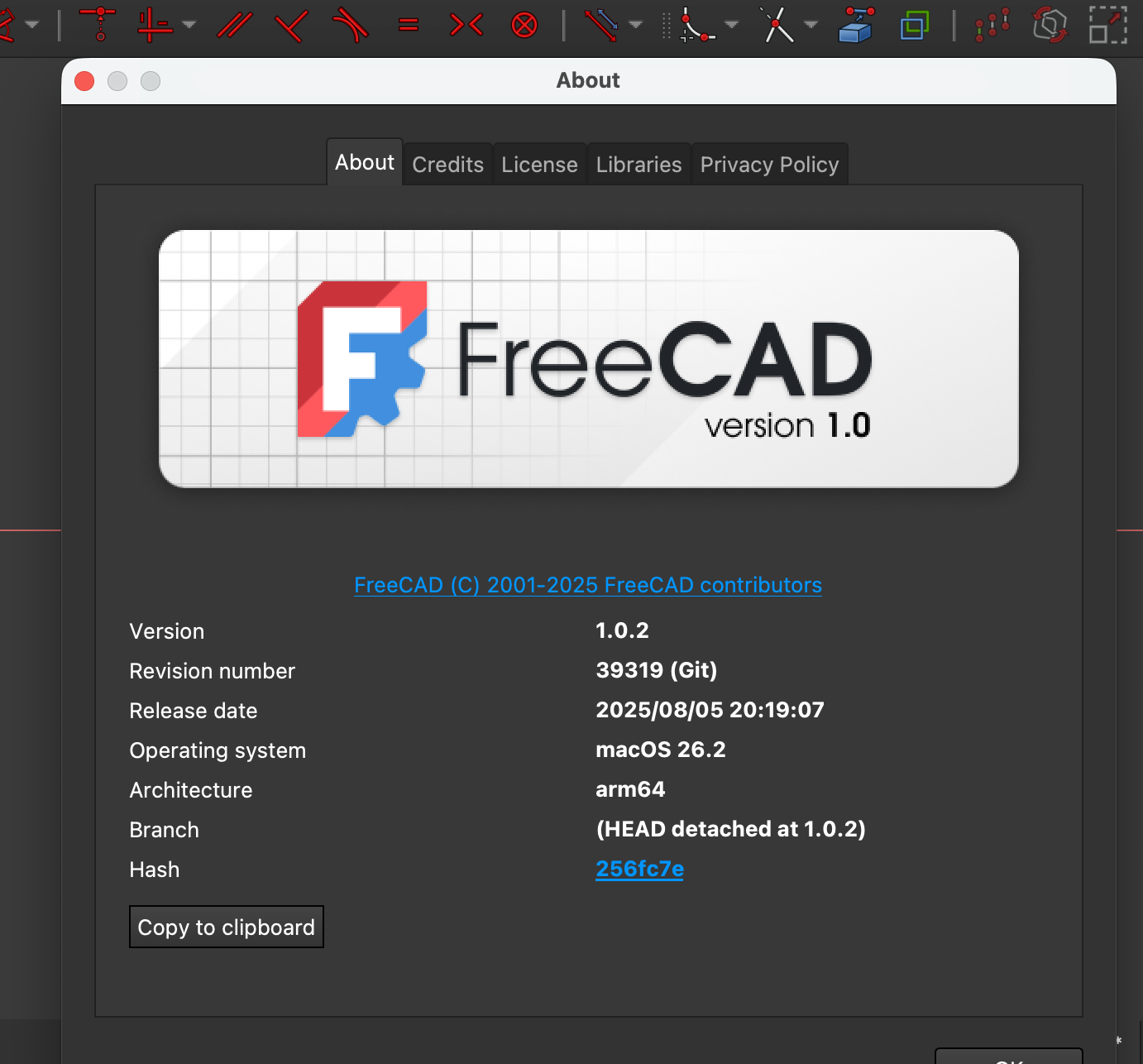
v1.0 (!) gitrev 39319 on macOS 26.2 hash 256fc7e
—
“Bruh! I just DID try box-selecting, left-to-right, in Sketcher, the vertex colors changed, no edges selected, and in the correct order for symmetry constraint [two vertices to be symmetric and then the midpoint-to-be] but I STILL get the error that I’m not selecting the correct things for a symmetry constraint!”
“(And oh btw it works fine when I click the vertices directly, it’s just finicky and tedious to get them exactly right, the classic issue …)”
Try: View => Panels => Selection View
…to see if maybe multiple overlapping endpoints are getting selected at once. Like if you box select left to right, are two vertices getting added to the selection at once?
Use FreeCAD => Preferences … => Display => 3D View => Marker size (increase it + Apply) to make the vertex markers larger and easier to click a vertex.
Of course check that constraint visibility is off to make it less likely to accidentally select a constraint as well as they can be smaller and might also be captured in the left-to-right box.
You might even more the item of interest intentionally off of where it sits, to make it easier to box-select its vertices, and then constrain them as needed (that is, making it easier to select only one vertex or whatever at a time), only if possible. And then re-constrain additionally as needed.
If you are doing direct manual click, trying to select a vertex, monitor the notice display at the bottom of the window to help ensure you are clicking a vertex (and not an edge).
—
“Bruh! Select external geometry is not working in Sketcher! I can see my Pad feature within this body, but I can’t successfully bring a reference to a line or arc from that into the sketch I’m working on now that I created after selecting a face on the first Pad and then clicking the Sketcher button.”
Try: Toggling draw mode to wireframe so the other padded object in the same body now shows as wireframe, and maybe watch that the “Selected external reference plane must be normal to sketch plane” error in “Report view” doesn’t repeat itself and the selection into the present sketch proceeds.
—
“Bruh! The FreeCAD Wiki is down!”
Try: Looking for some github “mirror” type sites that have duplicated a snapshot of the content of the documentation.